


How to Add Dropshipping Products to Shopify That Actually Sell: Validation, Hidden Costs, High-Converting Pages, and Scaling Systems

If I had to restart today, I would still use automation—but only after I manually validated at least 3–5 products. That balance is what actually made my store profitable.
Because in the end, learning how to add dropshipping products to Shopify isn’t about speed—it’s about control, clarity, and knowing when to scale.
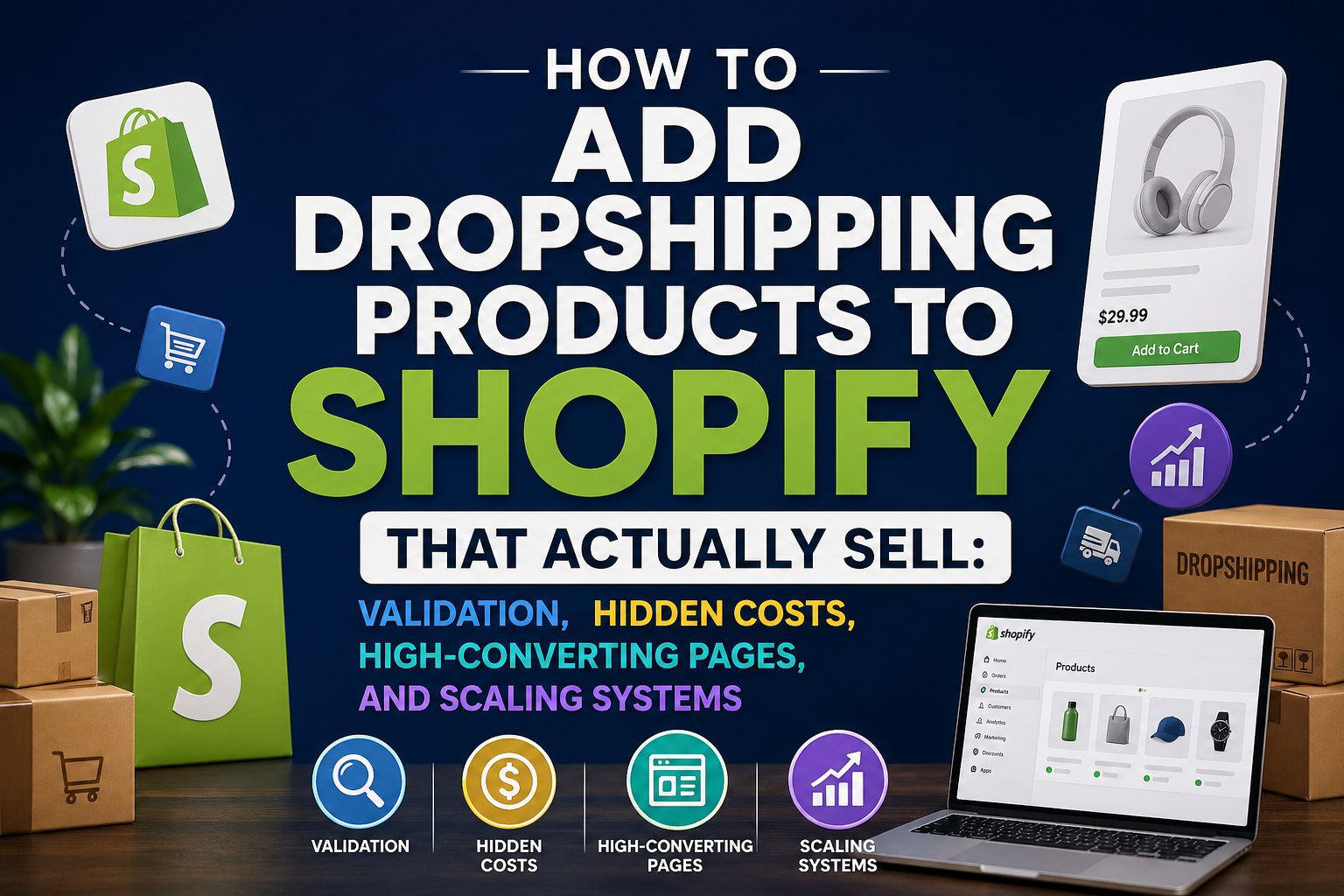
Manual vs Automated Product Import
When I first started figuring out how to add dropshipping products to Shopify, I made the same mistake most beginners make—I tried to automate everything from day one. I installed tools like ScaleOrder and connected them to Shopify, thinking bulk import would save me time and help me scale faster.
Technically, it worked. Within a few hours, I had over 80 products live on my store.
But here’s what nobody tells you: speed without control is expensive.
Out of those 80 products, not a single one converted in the first week. My ad spend was gone, and I didn’t even know which variable was broken—product, page, or audience.
The Manual Method That Actually Made Me Money
After that failure, I switched to a completely manual process—not because it’s trendy, but because I needed clarity.
Instead of importing dozens of products, I picked one. I rewrote the product title, restructured the description, and replaced supplier images with content I either edited myself or sourced differently. When adding the product to Shopify manually, I wasn’t just “listing” it—I was building a sales page.
This forced me to think about questions I used to ignore:
Who is actually buying this?
What problem does it solve?
Why would someone trust my store instead of a random competitor?
The result? My first product that hit a consistent 2.3% conversion rate.
That single product made more than the previous 80 combined.
Where Automation Actually Starts to Make Sense
Automation isn’t useless—it’s just dangerous at the wrong stage.
Once I found a winning product, I went back to tools like ScaleOrder to speed things up. But this time, I wasn’t using automation to “discover” products. I was using it to scale something already proven.
For example, instead of manually adding variants or syncing inventory, automation handled:
Price updates
Stock syncing
Order fulfillment
At that point, automation stopped being a guessing tool and became a leverage tool.
The Real Strategy Behind Adding Products
If you’re trying to learn how to add dropshipping products to Shopify effectively, the real decision isn’t manual vs automated—it’s timing.
The manual is for validation.
Automation is for scaling.
Most people flip that order, and that’s why they struggle.
In my case, the turning point wasn’t a new tool or a better supplier. It was realizing that adding a product isn’t a technical task—it’s a strategic decision. Every product you import is a bet, and automation just lets you lose faster if you don’t know what you’re doing.
Subtle but Critical Detail Most People Miss
One thing I noticed after working with multiple stores is that automated imports tend to create “duplicate stores”—shops that look identical because they all pull from the same supplier data.
When I manually added products, my store started to look different. Not dramatically—but enough to build trust. And in dropshipping, small differences are often what separate a store that gets clicks from one that gets conversions.
How I Validate a Product Before Listing It
When people talk about how to add dropshipping products to Shopify, they usually jump straight into the technical steps—importing, pricing, descriptions. I used to do the same thing.
What I didn’t realize at the time was this: most products don’t fail because of bad ads or poor website design. They fail because they should never have been added to the store in the first place.
I learned this the hard way after launching a product that looked “perfect” on paper. It had thousands of orders on AliExpress, decent reviews, and competitors already running ads. I added it to my Shopify store within an hour.
Three days later, I had spent $120 on ads and made zero sales.
That was the moment I realized I needed a validation system—not just an import process.
My Pre-Listing Validation Workflow (What I Actually Do Now)
Before I add any product to my store today, I go through a very specific routine. Not because it’s complicated, but because skipping even one step has cost me money before.
The first thing I check is not the product itself—but the angle. I search for the product on social platforms and ask: “Is there a clear reason someone would impulse buy this within 10 seconds?” If the answer is vague, I don’t even continue.
Then I look at competitors. Not just their presence, but their execution. Are they using strong hooks? Are their product pages convincing? If everyone looks average, that’s actually a good sign—it means there’s room to outperform them.
The “Test Before Import” Rule That Changed Everything
Here’s something I didn’t do in the beginning: I now test the product before fully adding it to my store.
Instead of building a perfect product page immediately, I create a simplified version—sometimes even using a basic template—and run a small ad test. The goal isn’t to make profit. It’s to measure interest.
I’ve had products where people clicked but didn’t buy. That tells me the ad works, but the page doesn’t. I’ve also had products where nobody clicked at all—those never make it past this stage.
This one shift saved me from wasting time building full pages for products that were already dead on arrival.
What I Look for in the First 24–48 Hours
When testing, I’m not chasing sales immediately. I’m watching signals.
Click-through rate tells me if the product has curiosity.
Add-to-cart rate tells me if it has intent.
Even comments on ads can reveal objections I didn’t consider.
I remember one product where people kept commenting, “Does this actually work?” That single question told me everything—I needed stronger proof, not a different product.
Only Then Do I Fully Add the Product to Shopify
Once a product shows early signs of interest, then I take the time to properly add it to my store.
This is where I optimize everything—better images, clearer descriptions, pricing strategy, and sometimes bundling. At this stage, I’m no longer guessing. I’m improving something that already has demand.
And the difference is massive.
Instead of hoping a product works, I’m scaling something that has already proven it can.
The Mistake I See Most People Make
Most beginners treat “adding a product” as the starting point. In reality, it should be the middle of your process.
If you skip validation, you’re not building a store—you’re building a catalog of random guesses.
And the more products you add without validation, the harder it becomes to figure out what’s actually working.
The Hidden Costs of Adding Dropshipping Products to Shopify
When I first learned how to add dropshipping products to Shopify, I thought the biggest advantage was obvious—there’s no inventory cost. I could import products from AliExpress into my Shopify store for free, set a price, and start selling.
At least, that’s what I believed.
What I didn’t realize was that adding a product isn’t free—it just hides its costs in places you don’t measure at the beginning.
And those hidden costs are exactly why most stores never become profitable.
The First Cost: Time That Doesn’t Feel Like Money
In my early days, I would spend hours adding products—rewriting descriptions, adjusting images, organizing collections. It felt productive. My store looked “full,” which gave me a false sense of progress.
But when I finally looked back after a month, I had added over 40 products… and only one had generated any revenue.
That meant 90% of my time had zero return.
The real cost wasn’t the products—it was the opportunity cost of working on the wrong ones.
The Second Cost: Ad Testing That Quietly Drains Your Budget
The biggest hidden expense shows up the moment you start running ads.
Every product you add becomes a potential ad test. And every test costs money, whether it succeeds or fails.
I remember testing a product that looked promising—good supplier data, decent reviews, competitors running ads. I spent around $150 testing it. No sales.
Then I tested another. Another $120 gone.
By the time I found a winner, I had already spent more than $600 on failed products.
At that point, I realized something critical: the cost of adding a product isn’t zero—it’s the expected ad spend required to validate it.
The Third Cost: Bad Products Damage Your Store More Than You Think
One thing I didn’t expect was how much a single bad product could affect my entire store.
I once added a low-quality item without thoroughly checking the supplier. Orders came in, which felt great—until customers started complaining about shipping delays and product quality.
Refunds followed. Chargebacks came next.
It wasn’t just that product that suffered. My store’s trust dropped. Future customers hesitated. My conversion rate across the entire site went down.
That experience taught me that every product you add carries reputational risk—not just financial risk.
The Fourth Cost: Content and Creative Production
Another cost that’s easy to overlook is content.
Every product needs images, sometimes videos, and often ad creatives. If you rely entirely on supplier content, your store looks identical to everyone else. If you create your own, it takes time—or money.
I’ve paid for video ads that didn’t convert. I’ve also spent hours editing creatives myself, only to realize the product itself wasn’t worth promoting.
Either way, content is a cost tied directly to every product you decide to add.
What Changed My Approach Completely
After going through these losses, I stopped thinking in terms of “how many products can I add” and started thinking “how much does each product cost me to test and validate.”
That shift changed everything.
Instead of adding 10 random products, I focused on 2–3 that I had stronger conviction in. I spent more time validating them before listing, and more effort optimizing them after.
Ironically, I started adding fewer products—but making more money.
The Real Math Behind Adding Products
If you break it down, every product you add has an invisible equation:
Time investment
Ad testing budget
Creative production
Potential refunds or customer issues
Once I started looking at it this way, I became much more selective. Adding a product stopped being a casual action—it became a calculated decision.
How to Add Dropshipping Products to Shopify That Actually Convert
When I first learned how to add dropshipping products to Shopify, I thought the job was simple—import the product, set a price, run ads, and wait for sales.
Traffic came. Clicks were there. But conversions? Almost zero.
That’s when I realized something most tutorials never explain: adding a product is not about listing—it’s about positioning. Two stores can sell the exact same item from AliExpress on Shopify, but one converts at 3% and the other at 0.5%.
The difference is not the product. It’s how the product is presented.
The First Change I Made: Stop Describing, Start Framing
In the beginning, I copied supplier descriptions almost word for word. They were full of features—materials, sizes, functions.
But customers don’t buy features. They buy outcomes.
I remember one product I was selling—a simple ergonomic item. My original description listed specifications. It didn’t sell.
Then I rewrote the entire page from a different angle. Instead of explaining what it is, I focused on what it fixes. The headline became about eliminating a daily frustration instead of listing product specs.
That single change increased my add-to-cart rate noticeably within a few days.
The Structure I Now Use for Every Product Page
After testing multiple products, I realized high-converting pages follow a certain psychological flow.
First, you grab attention with a clear, relatable problem. Not a generic slogan, but something specific the customer immediately recognizes.
Then you introduce the product as the solution—quickly and visually. I started prioritizing images and short-form visuals over long paragraphs.
Next comes proof. This is where most dropshipping stores fail. I began adding real customer-style content—reviews, before/after scenarios, or even simple trust indicators. Without this, even a great product struggles.
Finally, I reduce friction. Clear shipping info, refund reassurance, and simple calls to action. Small details, but they matter more than people think.
A Real Example That Changed My Conversion Rate
I once had a product that was getting decent traffic but barely converting—around 0.7%. Instead of changing the product, I rebuilt the page.
I replaced generic supplier images with cleaner, more focused visuals. I added a short “problem → solution” section at the top. I also clarified shipping time, which I had previously hidden at the bottom.
Within a week, conversion rate jumped to 2.1%.
Same product. Same ads. Completely different result.
That’s when I understood: the way you add a product to Shopify determines whether it sells or not.
The Hidden Mistake: Treating Your Store Like a Catalog
One of the biggest mistakes I made early on was turning my store into a product catalog.
I kept adding items, thinking more options meant more chances to sell. But in reality, it diluted attention. None of the products felt important.
When I switched to focusing on fewer products—each with a strong, optimized page—the store started to feel more like a brand and less like a random collection.
And customers responded to that shift.
Small Details That Made a Big Difference
Some of the biggest improvements came from things I used to ignore.
For example, I stopped using overly long titles and made them easier to read. I adjusted pricing to feel intentional instead of random. I tested simple bundles to increase perceived value.
Even the order of sections on the page mattered more than I expected. Moving key information higher reduced drop-offs significantly.
These aren’t dramatic changes, but together they create a completely different buying experience.
How to Add Dropshipping Products to Shopify from Multiple Suppliers Without Breaking Your Store Operations
When I first scaled my store, I thought adding more suppliers would make everything better—more product variety, faster shipping options, higher margins.
So I started importing products from everywhere: AliExpress for cheap items, a private agent for trending products, and even a local warehouse supplier for faster delivery. Everything was connected to my Shopify store.
At first, sales increased.
Then everything broke.
Orders started splitting into multiple shipments without customers realizing it. One item would arrive in 5 days, another in 15. Customers emailed support asking why their “order was incomplete.” Refund requests increased—not because the product was bad, but because the experience felt unreliable.
That was the moment I realized: adding products from multiple suppliers isn’t a growth strategy unless your backend can handle it.
The Real Problem Isn’t Suppliers—It’s Consistency
Most guides talk about how to add dropshipping products to Shopify, but almost none talk about what happens after the order is placed.
When you mix suppliers, you’re also mixing:
Shipping times
Packaging styles
Tracking systems
Communication speed
Customers don’t see your suppliers. They only see your brand. And if their experience is inconsistent, they blame your store—not the supplier.
I learned this after a customer emailed me saying, “Why did I get two different packages with different labels? Is this even the same company?”
That question alone made me rethink my entire setup.
The Rule I Use Now Before Adding Any Product
Today, before I add a product from a new supplier, I ask one simple question:
“Does this supplier match the experience I’m already delivering?”
Not just price or quality—but delivery expectations.
If my store promises 7–10 day shipping, I won’t add a product that takes 15–20 days, even if the margin looks better. Because one mismatched product can create confusion across multiple orders.
This one filter alone eliminated a lot of operational headaches.
How I Structure My Store to Avoid Chaos
After going through those issues, I stopped treating my store as a single pool of random products. Instead, I started organizing it around supplier consistency.
For example, I group products that come from the same supplier or logistics channel. That way, when a customer orders multiple items, there’s a higher chance they arrive together or at least within a similar timeframe.
I also became much more careful with bundles. Early on, I bundled products from different suppliers without thinking about fulfillment. That created delays and confusion.
Now, I only bundle items that can be fulfilled together reliably.
The Communication Fix That Reduced Refunds
One of the simplest but most effective changes I made was improving communication.
Instead of hiding shipping details, I made them clearer on the product page and in order confirmation emails. If products might ship separately, I say it upfront.
Surprisingly, this reduced complaints significantly.
Customers are more patient when they understand what’s happening. Most frustration comes from uncertainty, not delay itself.
A Costly Lesson I Won’t Repeat
I once scaled a product aggressively because it had great margins from a private supplier. Orders came in fast—but the supplier couldn’t keep up.
Tracking numbers were delayed. Shipping times slipped. Support inbox flooded.
Within two weeks, I had to pause ads—not because the product stopped selling, but because fulfillment couldn’t handle the volume.
That experience taught me that adding a product is not just about demand—it’s about whether your supply chain can survive success.
What Most People Get Wrong
The biggest mistake I see is treating suppliers as interchangeable.
They’re not.
Each supplier is effectively part of your brand experience. When you add a product, you’re not just adding an item—you’re adding a new operational variable that can affect everything from delivery speed to customer trust.
How I Add 50+ Dropshipping Products to Shopify Without Losing Control
At one point, I believed the fastest way to grow was simple: add more products.
So I did exactly that. Within a week, I imported over 60 items into my Shopify store using tools connected to AliExpress.
On paper, it looked like progress. My catalog was bigger, my store looked more “legit,” and I had more options to test.
In reality, I had no idea what was going on.
Some products had traffic but no sales. Others had sales but terrible margins. A few had fulfillment issues I didn’t catch early. Everything was mixed together, and I couldn’t tell what deserved attention.
That was the moment I realized: scaling product count without a system doesn’t grow your business—it hides your problems.
The Shift: From Adding Products to Managing Signals
What changed everything for me was not a new tool—it was a new way of thinking.
Instead of asking, “How many products can I add?” I started asking, “How many products can I actually track and understand at the same time?”
Because every product generates data:
Clicks
Add-to-carts
Conversions
Customer questions
If you can’t interpret those signals, adding more products just creates noise.
The 3-Layer System I Use Today
To scale without losing control, I built a simple structure that organizes every product based on its stage.
The first layer is testing. These are new products I’m evaluating. They get minimal setup—just enough to run ads and collect data. I don’t over-invest here.
The second layer is validation. These are products that show early signs of potential—good click-through rates, some add-to-carts, maybe even a few sales. This is where I start improving the product page, adjusting pricing, and refining positioning.
The third layer is scaling. These are proven products. They get the most attention—better creatives, stronger offers, and sometimes even private supplier optimization.
This structure allows me to handle 50+ products without feeling overwhelmed, because not all products are treated equally.
A Real Situation That Forced Me to Build This
I remember running ads for multiple products at once, and one of them suddenly started getting traction. Orders came in, but I didn’t notice immediately because I was distracted by managing everything else.
By the time I focused on it, competitors had already entered the market with better pages and offers.
I didn’t lose because the product was bad—I lost because I didn’t prioritize fast enough.
That’s when I realized scaling is not about adding more—it’s about identifying winners faster and doubling down before the window closes.
The Tool I Use—But Not the Way You Think
Yes, I still use automation tools like ScaleOrder.
But the difference now is how I use them.
Before, I used automation to import as many products as possible. Now, I use it to reduce friction in my system—syncing inventory, handling orders, updating prices.
The decision-making part—what to test, what to scale, what to kill—that stays manual.
Because no tool can replace judgment built from real experience.
The Biggest Mistake in “Scaling Fast”
Most people think scaling means speed.
But speed without structure leads to one of two outcomes:
Either you burn money testing too many bad products
Or you miss opportunities because you can’t focus on the good ones
I’ve experienced both.
Scaling only works when you can increase volume without losing clarity.
What I Do Differently Now
Today, I still add products—but with limits.
I control how many enter the testing phase each week. I review performance daily. And I make decisions quickly—either improve, scale, or remove.
This keeps my store dynamic but not chaotic.
Ironically, I now manage more products than before—but with less stress and better results.



No Comments